
Scheduling software for
refrigeration technicians
Your schedule and technicians in one clear overview.
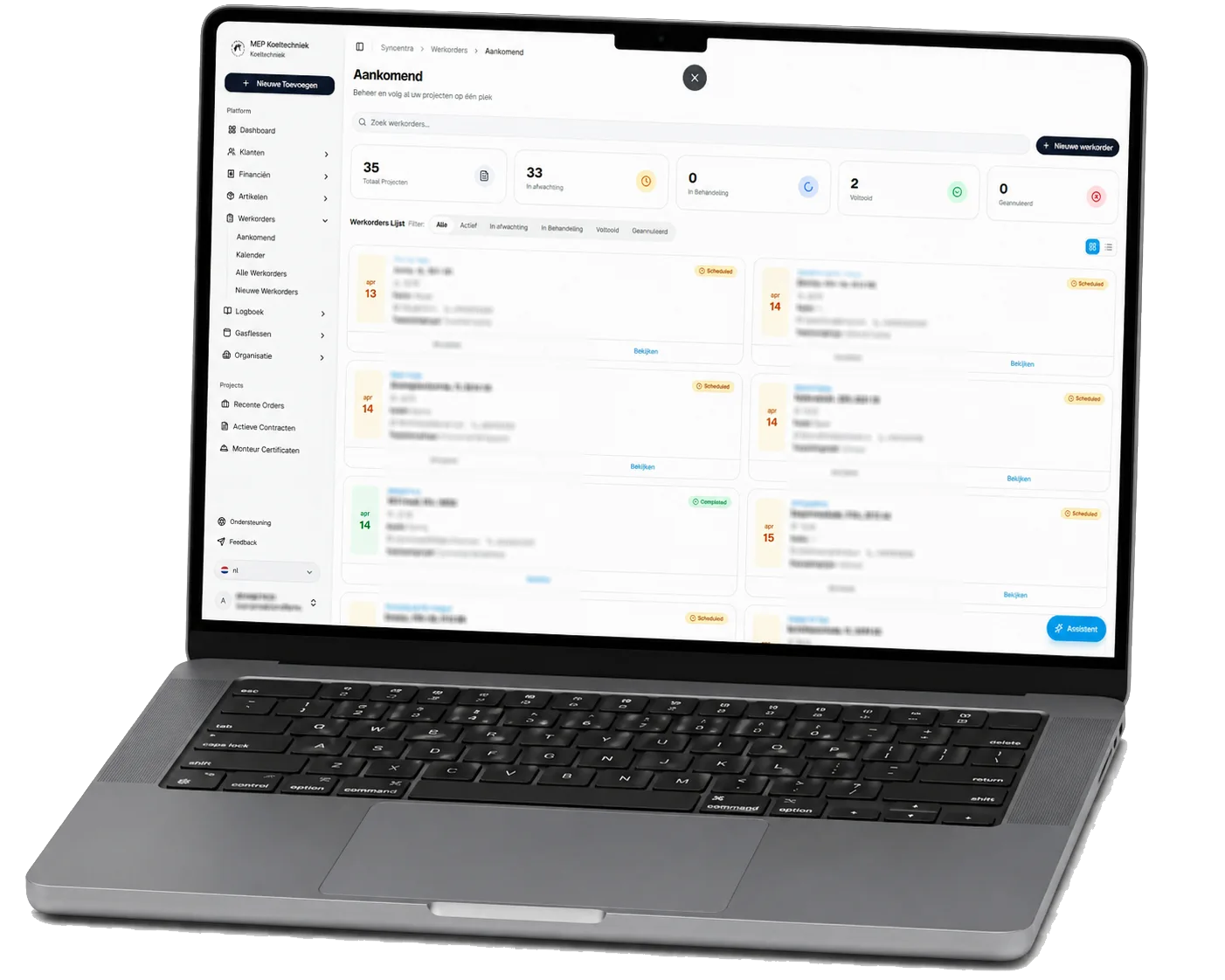
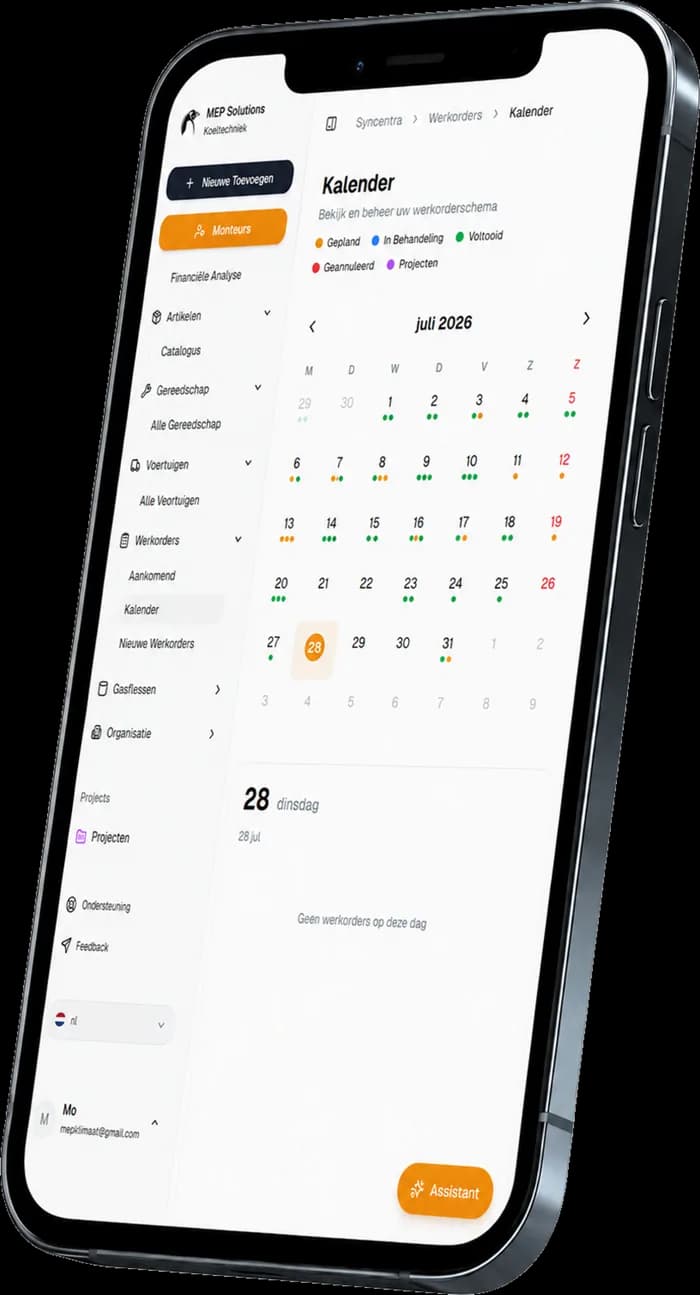
With Syncentra's scheduling software for refrigeration technicians you plan work orders in a clear list or calendar view. Distribute jobs across your technicians and follow current progress per work order. The office and the field always work from the same schedule.
- Schedule work orders in list and calendar views
- Assign jobs to the right refrigeration technician
- Availability, changes and progress immediately visible
MEP Koeltechniek
Refrigeration technicians
The Netherlands
Your technician scheduling costs too many phone calls.
Schedule out of date
Changes to appointments and work orders are not updated straight away. The office and the technicians end up working from different versions of the schedule.
Unclear distribution
Who is doing which job lives in separate lists, calendars or messages. That raises the odds of double bookings and missed appointments.
Calling for the current status
Planners have to call technicians to find out how far along a job is. Meanwhile customers wait longer for a clear answer.
Syncentra in practice
at MEP Koeltechniek.
Syncentra grew out of the daily practice at MEP Koeltechniek and is used there every day. Work orders, scheduling, customers, sites, technicians and administration come together in one central system.
The result is less paperwork, fewer manual administrative steps, clearer scheduling and faster insight into the current status of the work.
- Developed and tested daily inside a real refrigeration company
- Work orders, scheduling and administration within one platform
- The same current information for the office and the technicians
- Improved continuously on the basis of daily field experience
Grip on your technicians'
working day.
As a scheduling tool for technicians, Syncentra brings the outstanding work, the available technicians and the current status together in one environment. From scheduling a job to reviewing a completed week.
Schedule
Plan new and existing work orders in a clear list or calendar view.
Distribute
Assign every work order to the right technician and avoid double bookings.
Track
Follow the current status and progress from the office, without having to call your technicians.
Look back
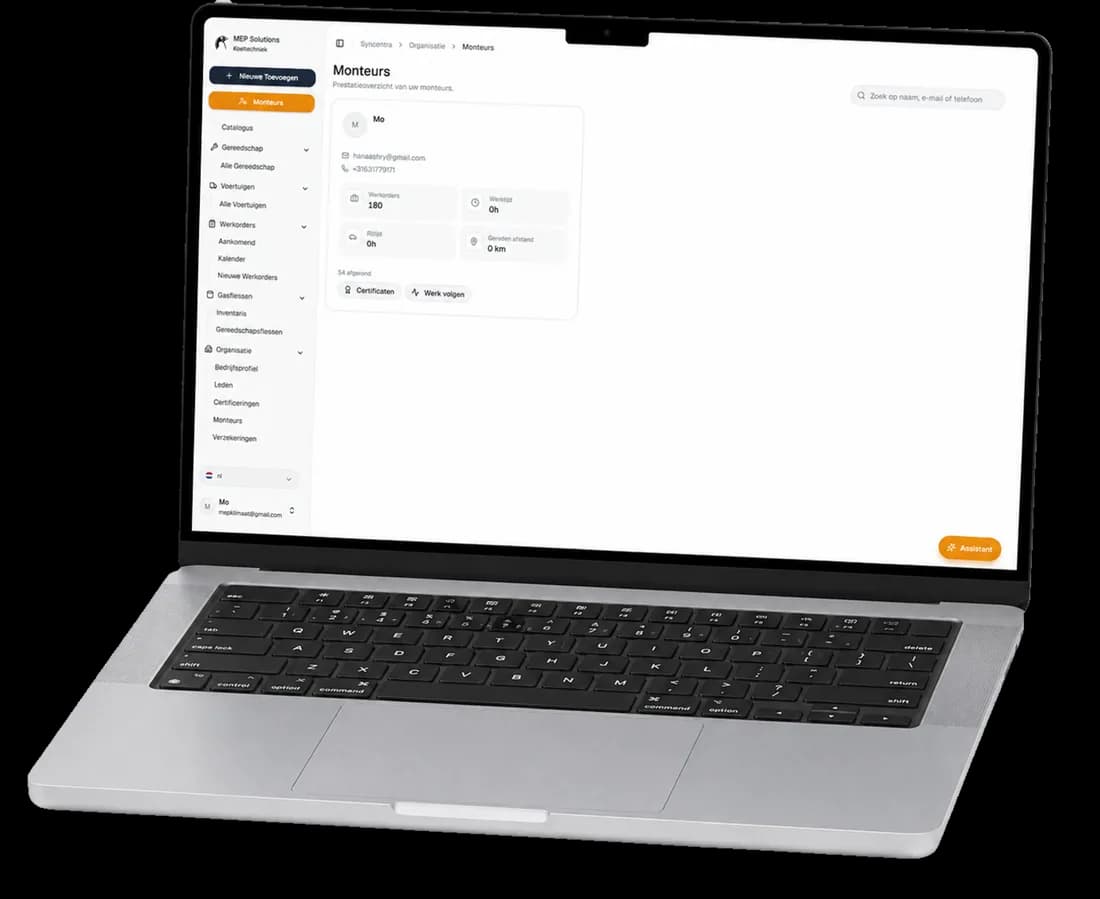
See per technician which work orders were completed and what was recorded.
The result is one continuous schedule in which the office and the field always see the same picture.
From planning to execution,
without losing the overview.
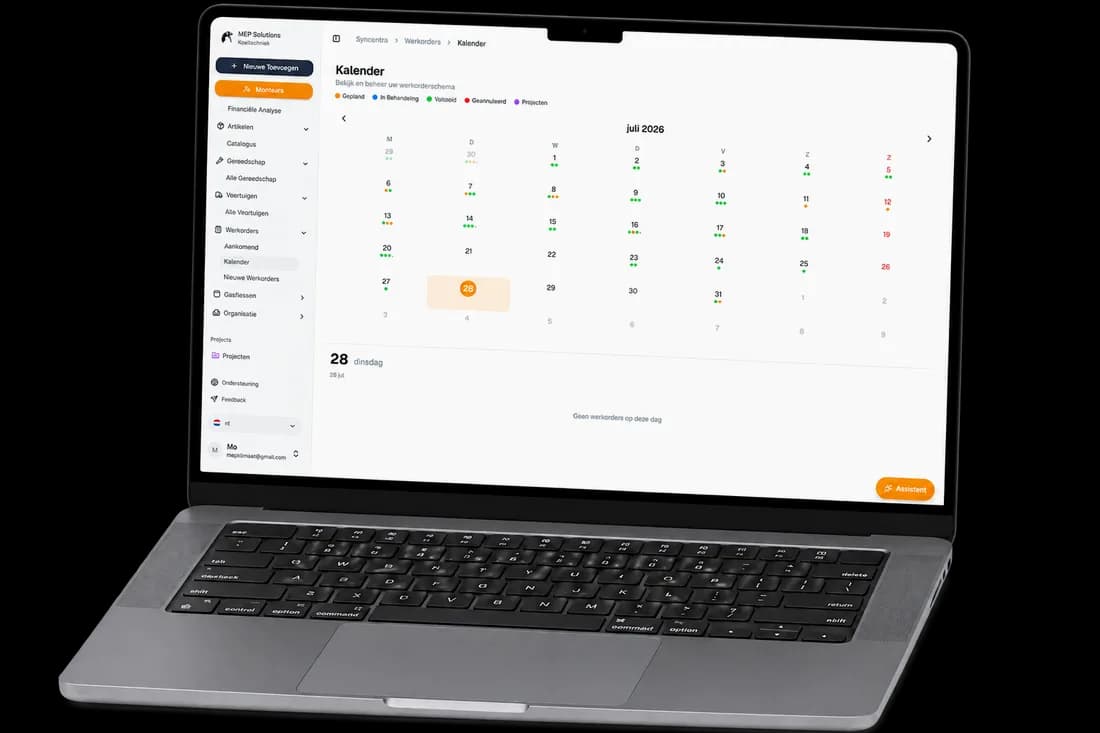
With scheduling software for refrigeration technicians, everyone sees which work orders are scheduled, who they are assigned to and what the current progress is.
- View work orders in list and calendar views
- Jobs and results laid out clearly per technician
- The same current schedule for the office and the field
- Fewer phone calls and manual schedule updates
How the scheduling software
works for your technicians.
From open work order to completed job: planners and technicians work from the same current data and progress.
Gather work orders
All open and upcoming work orders come together in one clear schedule.
Schedule and distribute
The planner links every work order to the right technician, date and time.
Execute and update
The technician reviews the job details and updates the status while the work is under way.
Report progress back
Changes are visible in the office straight away, so customers get a current answer quickly.
Everything works together in one platform.
Connect your technician scheduling to the modules that complete your daily process.
More questions about the scheduling software?
Yes. You can switch between a list view with details per work order and a calendar view showing all scheduled work.
Yes. Every work order can be linked to the right technician, date and appointment. It is then clear to everyone who is carrying out which job.
Yes. As soon as a technician updates a work order's status, the current progress is immediately visible to the schedulers in the office.
Yes. Technicians can view their assigned work orders on their phone and update the status and job details while working.
Yes. The schedule is linked to the work order and its customer, site and job details. That means information does not have to be entered again.