
Work order software for
refrigeration companies
Every job complete, from request to completion.
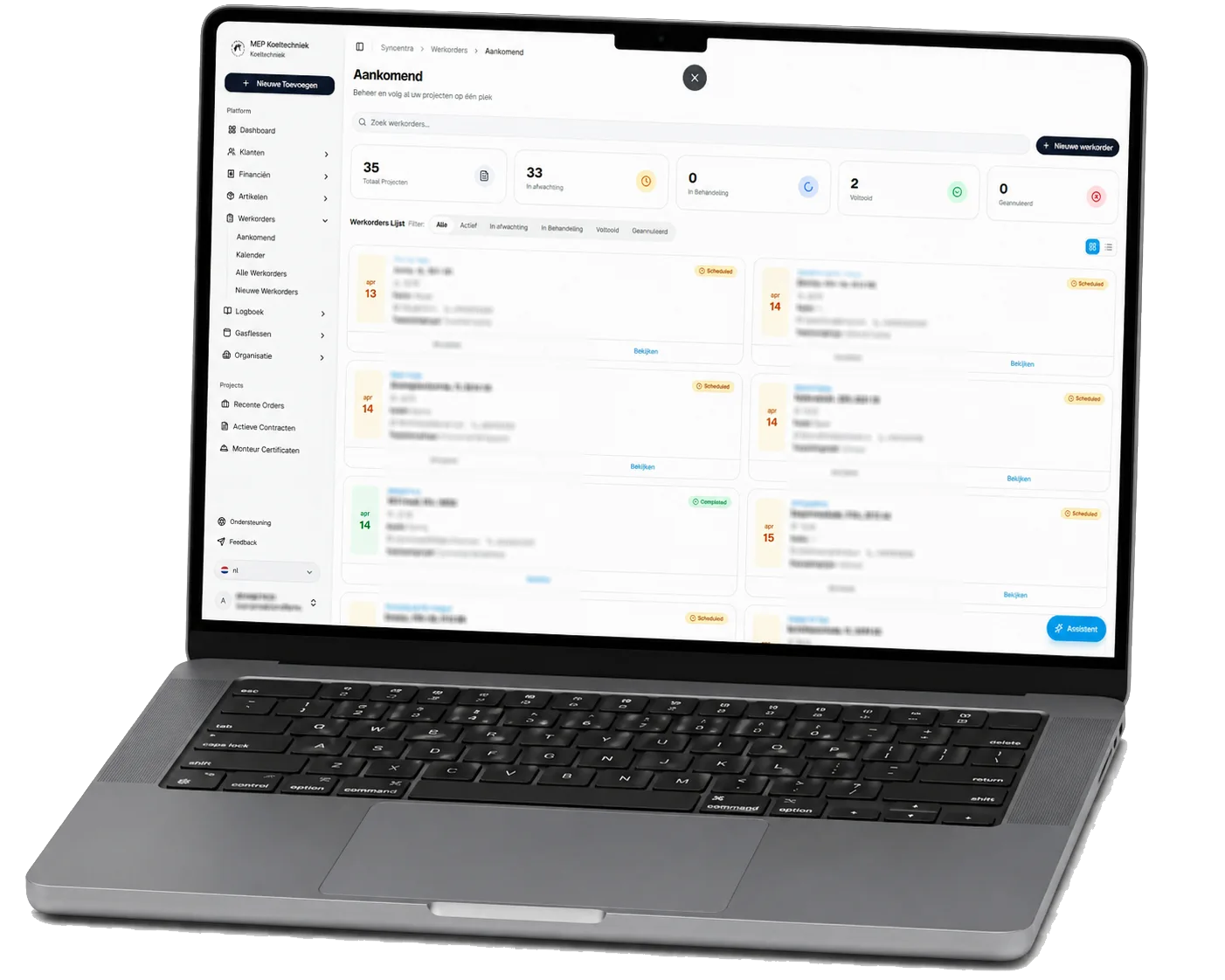
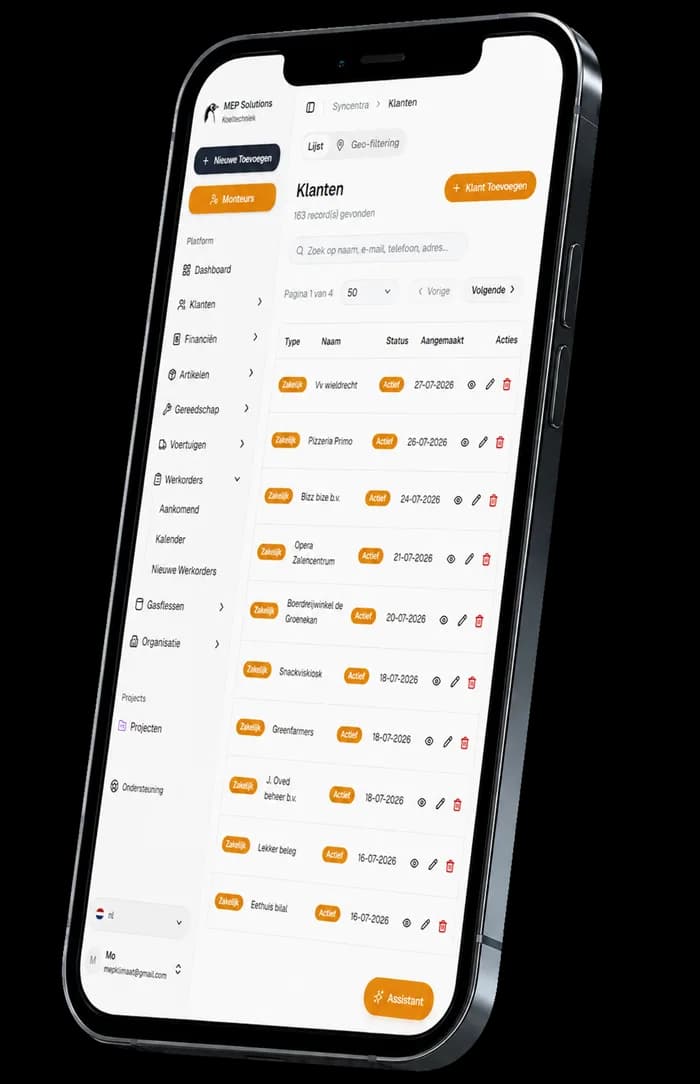
With Syncentra you manage repairs, maintenance, breakdowns and larger projects in one work order system built for refrigeration. Planners and technicians work from the same current customer, site and job details — in the office and out on the road.
- Create, schedule and assign digital job sheets
- Record photos, notes, hours and materials used
- Customer signature, PDF, history and invoicing connected
MEP Koeltechniek
Refrigeration technicians
The Netherlands
Scattered job sheets cost time and clarity.
Without a central work order system for refrigeration, jobs, changes and job data end up spread across different channels. That creates extra admin and makes it hard to follow the current status.
Job sheets scattered
Jobs live in emails, WhatsApp, calendars or on paper. Important details go missing or have to be entered again.
Unclear status
Planners and technicians don't always know where a job stands, what has been done and what still has to happen.
History hard to find
Earlier work, photos, notes and materials used are difficult to trace back to the right customer or installation.
These exact problems were what prompted MEP Koeltechniek to develop Syncentra.
Syncentra in practice
at MEP Koeltechniek.
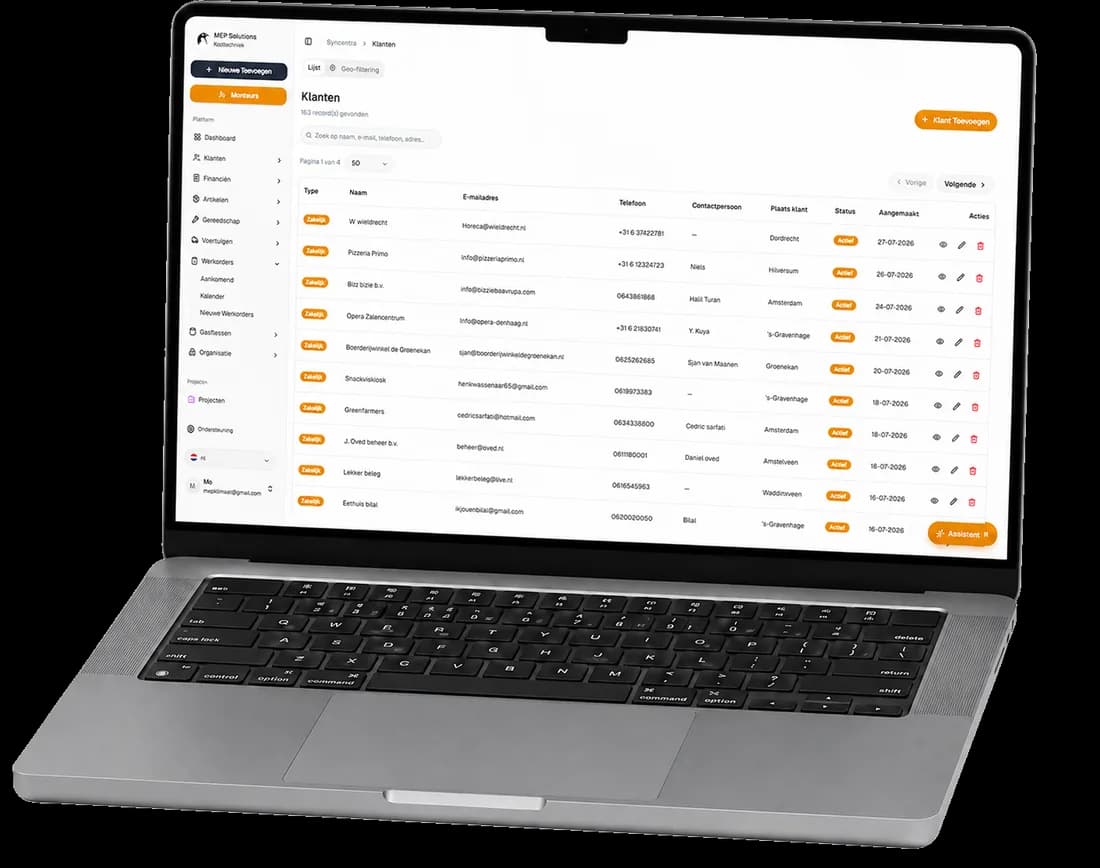
Syncentra grew out of the daily practice at MEP Koeltechniek and is used there every day. Work orders, scheduling, customers, sites, technicians and administration come together in one central system.
The result is less paperwork, fewer manual administrative steps, clearer scheduling and faster insight into the current status of the work.
- Developed and tested daily inside a real refrigeration company
- Work orders, scheduling and administration within one platform
- The same current information for the office and the technicians
- Improved continuously on the basis of daily field experience
Everything you manage with
digital job sheets.
With Syncentra's job sheet software for refrigeration technicians you manage every job from one central environment. From the first request and its scheduling through to execution, signature and invoicing.
Create
Create a digital job sheet with the customer, site, installation, work to be done and all the job details needed.
Assign
Pick the right technician, set a date and time, and link the work order to the calendar automatically.
Update
The technician updates the job on the road with the status, photos, notes, hours worked and materials used.
Complete
Capture the customer signature, produce a PDF and keep the full history for the quote or invoice.
The result is one continuous workflow in which every work order can be followed from report to invoice.
One work order.
From report to invoice.
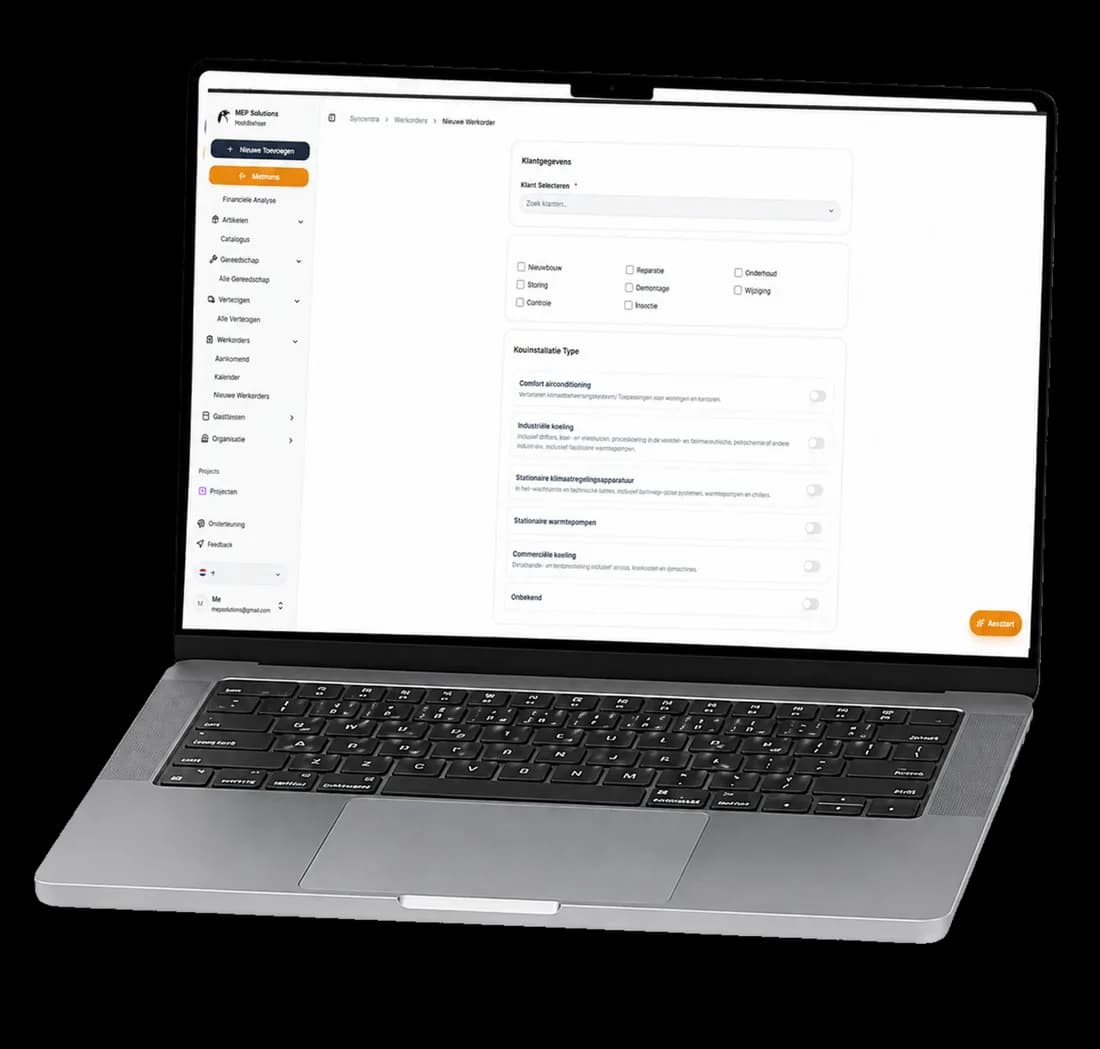
With Syncentra your whole team works from the same digital job sheet. Information no longer has to be copied over from paper, WhatsApp, calendars or loose files.
- Customer, site, appointment, technician and work together
- Current progress visible straight away, in the office and on the road
- Photos, notes, hours and materials used stored centrally
- Completed work immediately available for quoting and invoicing
Four steps from
request to completion.
Every digital job sheet follows a clear workflow. The office knows what is happening and the technician has the right information on the road.
Record the request
Capture the customer, site, installation, work required and reported fault in one work order.
Schedule a technician
Assign the work order to the right technician and attach a date and time.
Carry out the work
The technician records progress, photos, notes, hours and materials used while on site.
Complete and process
Capture the customer signature, produce a PDF and use the job data for the quote or invoice.
Everything works together.
Connect your work orders to the modules that support the rest of your daily work. Every part uses the same current customer, site and job data.
More questions about work order software?
Work order software for refrigeration companies brings requests, scheduling, technicians, customer records, sites and administration together. Every job can then be followed digitally from report to completion.
Yes. The technician can open the digital job sheet on a mobile device and update it with progress, photos, notes, hours worked and materials used.
Yes. Current progress and every change are recorded against the work order. The office and the field can both see what has been done and what is still outstanding.
Yes. You can attach a date, time and technician to the work order. The job then appears in the assigned technician's schedule.
Yes. Once complete, the customer can sign the work order. The digital job sheet can then be saved and sent as a PDF.
Yes. Larger jobs can be recorded as a project with several associated work orders. Each work order keeps its own scheduling, progress and history.
Yes. The recorded work, hours and materials used can be used to draw up a quote or invoice, without entering the same data again.
During the demo we discuss how you work today and show how Syncentra fits your work orders, scheduling, technicians and administration.