
Technician scheduling software
for refrigeration companies
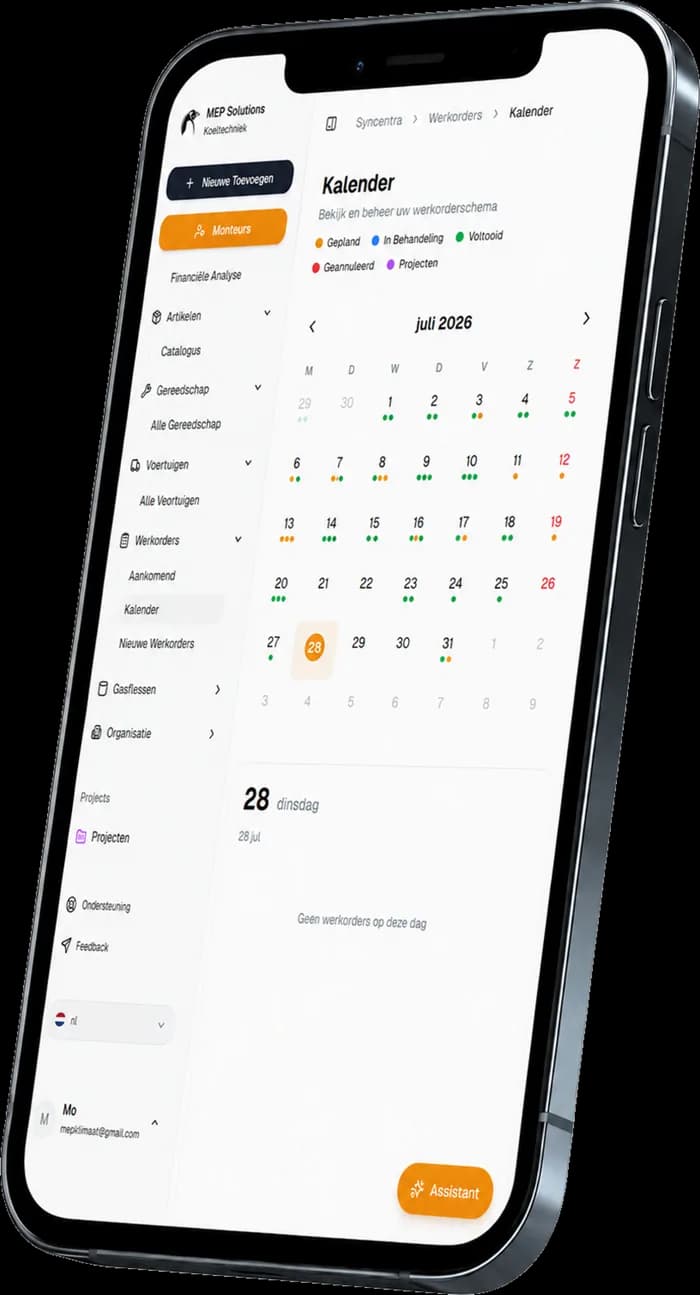
Plan your technicians' deployment per day and week from one current roster.
With Syncentra's technician scheduling software you see in one overview who is working, who is available or away, and where the roster still has room. Changes are processed centrally, so every technician always works from the right roster.
- Build daily and weekly rosters per technician
- Track availability, leave and staffing centrally
- Share roster changes immediately with the team involved
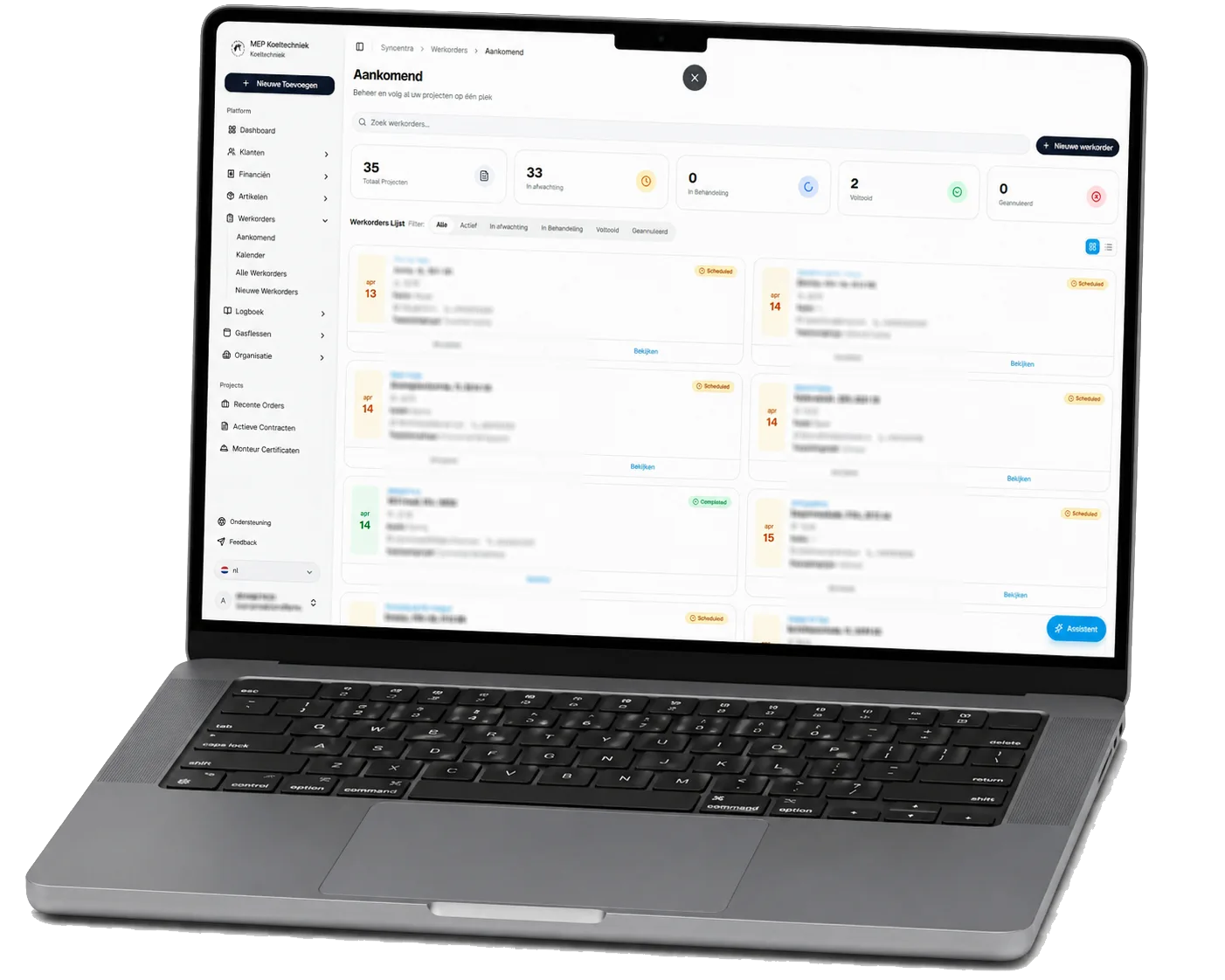
The roster is right at eight. By ten it isn't.
Without technician scheduling software the week's plan lives in a spreadsheet, on a whiteboard or in the planner's calendar. The moment something changes, part of the team is already working from outdated information.
Everyone has a different version
The roster is shared as a file, photo or message. After the first change, the office and the technicians are looking at different versions.
Availability lives somewhere else
Working days, days off and absence are tracked apart from the roster. Technicians end up scheduled when they are unavailable or already fully booked.
One change means ringing round again
When someone drops out or something shifts, the planner has to contact the team again to pass on the revised roster.
With one shared roster, everyone sees the same current deployment — no loose files, photos or messages.
Syncentra in practice
at MEP Koeltechniek.
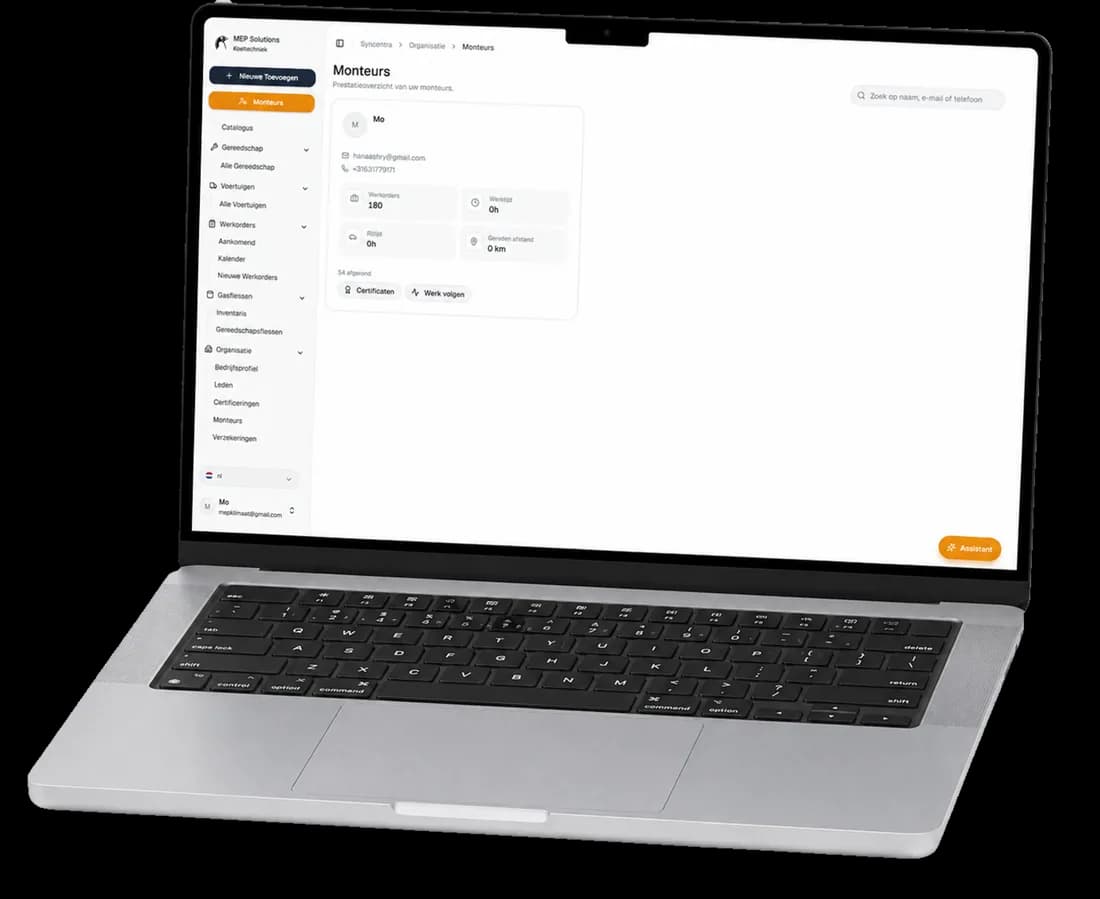
Syncentra grew out of the daily practice at MEP Koeltechniek and is used there every day. Work orders, scheduling, customers, sites, technicians and administration come together in one central system.
The result is less paperwork, fewer manual administrative steps, clearer scheduling and faster insight into the current status of the work.
- Developed and tested daily inside a real refrigeration company
- Work orders, scheduling and administration within one platform
- The same current information for the office and the technicians
- Improved continuously on the basis of daily field experience
What you manage with technician
scheduling software.
Syncentra brings working days, availability, absence and staffing together in one current technician roster. That keeps your whole team's deployment in view.
Build daily and weekly rosters
Plan the working days per technician and view your team's roster by day or by week.
Record availability
Record which technicians are available or away, so the roster matches who can actually be deployed.
Keep staffing balanced
See which days still have room and when your team's roster is fully booked.
Share changes centrally
Adjust a working day, absence or availability. The updated roster is then available to the team involved.
The roster stays a current picture of your team's deployment, without loose files or outdated versions.
More grip on staffing.
Fewer phone calls.
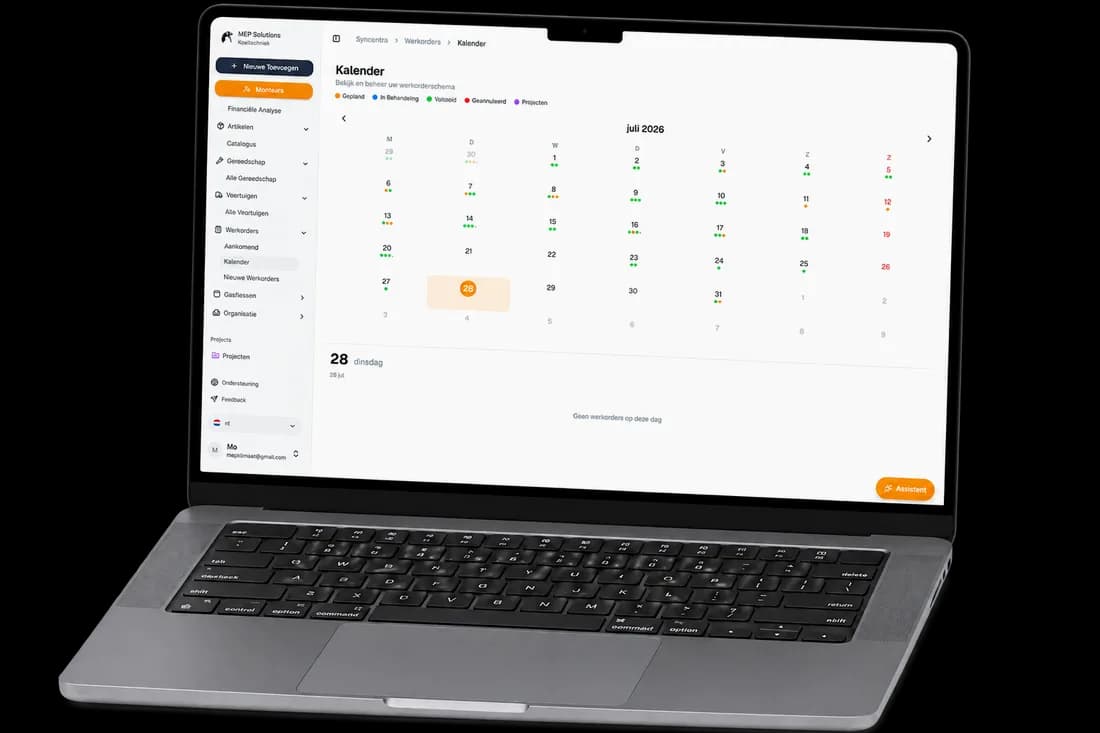
With technician scheduling software the whole team works from the same current roster. Working days, availability and changes sit centrally — no loose spreadsheets, photos or messages.
- The whole team's daily and weekly roster in one overview
- Availability, absence and staffing visible per technician
- Roster changes processed centrally and shared at once
- Every technician can view their own current roster on the road
How to build a current
technician roster.
From availability to a mid-week change: you manage your technicians' deployment step by step within the same roster.
Record availability and absence
Record each technician's working days, days off and absence before you build the roster.
Build the daily and weekly roster
Plan the deployment of your available technicians and review staffing by day or across the full week.
Make the roster available
Every technician gets access to their own current roster, including on the road via a mobile device.
Process changes
Handle absence, drop-outs or a changed working day centrally, so the team has the updated roster straight away.
Your technician roster works with
the rest of Syncentra.
Syncentra's technician scheduling software connects to the modules that support your daily work process.
More questions about technician scheduling software?
Technician scheduling software is a central environment in which you record working days, availability, leave and staffing per technician. The office and the field then always work from the same current roster.
Yes. You can view the roster by day or by week and see per technician when someone is working, off or still available.
Yes. Record working days, days off and absence per technician. The planner then sees at once how much capacity is available each day.
Yes. Technicians can view their current roster on a mobile device, giving them the same roster information as the office while out on the job.
Roster changes are processed centrally and are immediately visible to the team involved. The shared roster stays current without circulating new files, photos or messages.
Yes. The roster and the work orders connect inside Syncentra. Planned work can therefore be linked to an available technician without maintaining the same information in several places.
See work orders & projectsThe roster shows when each technician is working, off or available. Work scheduling then determines which jobs are carried out in those available slots. In Syncentra the two connect, but each has its own function.
See scheduling & techniciansDuring the demo we discuss how your current roster is organised and show how Syncentra brings availability, working days, days off and roster changes together centrally.